Cannot add video to GoHighLevel courses

Hello,

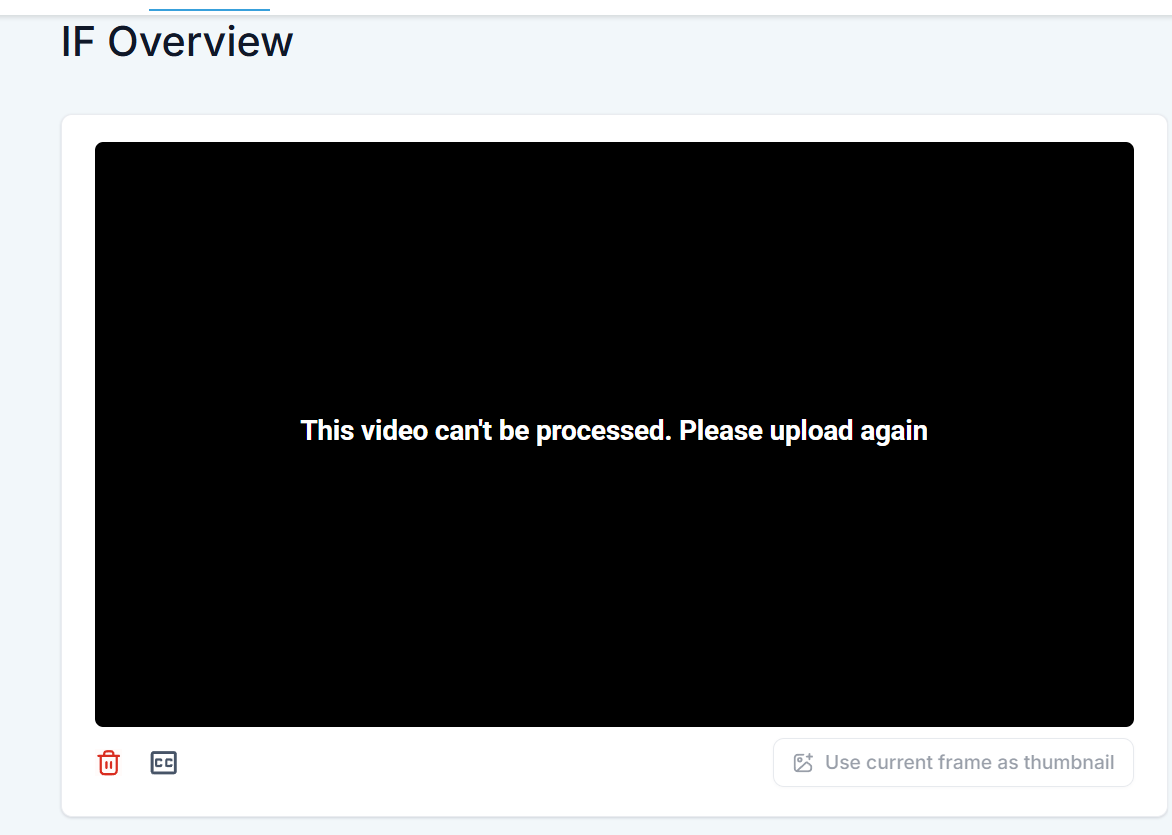
Videos from Gumlet cannot be embeded directly into GoHighLevel and when trying to add it through URL, it is being processed and then error comes up. I spoke with GoHighLevel support - they said their server is trying to download them to store and Gumlet not allowing.

I checked every setting in the player and couldn’t find how to do it.

Hi, can you add support@gumlet.com to the communication and your platform for us to check how you are using?

HI @akbansa thanks for the reply. I didn’t understand your point about adding the support email to the communication. I spoke with the other platform over a live zoom call - there was no email communication. Could i arrange a quick zoom call to showcase the problem? Or perhaps should i record a short video?

Yes, it would be great to schedule a zoom call. I will join once you send the invite.

@phdandreik, I have added a step-by-step guide to Embed video in highlevel - Embed Videos on GoHighLevel

@akbansa I know how to embed videos into GoHighLevel. My issue is with the courses functionality - i was told the reason this happens is their server cannot download download the video from the Gumlet link. Video link: https://video.gumlet.io/655df52a774b17ed87afddc6/68c847e2d2b638a10e076ba1/download.mp4

@phdandreik, I confused maybe. The link you shared https://video.gumlet.io/655df52a774b17ed87afddc6/68c847e2d2b638a10e076ba1/download.mp4 is downloadable. I checked with different services, they can download the video perfectly.

Sample online downloader: https://flixier.com/tools/video-downloader/mp4-video-downloader

When you try the external link here, you will see the download happening on the left panel.

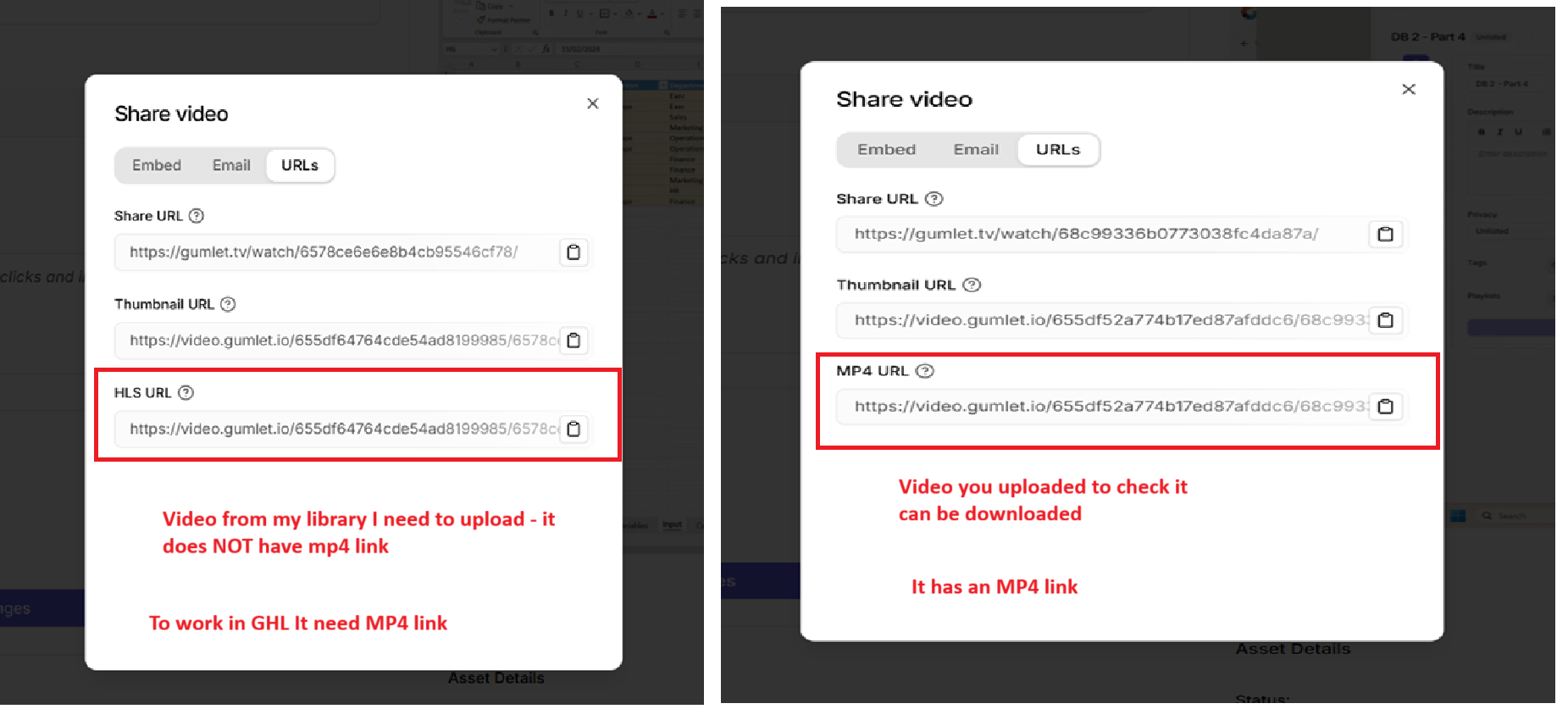
I also checked your video. They may not support m3u8, so you need to enable mp4 for processing.

@akbansa - here is another video Gumlet embed - 2nd video I enabled Mp4 and the result is the same

@akbansa any update on this please?

@akbansa - i understood the problem. YOu have tested the Mp4 download link and it works perfectly.

My older videos were ALL uploaded as MP4, and NONE of them have an Mp4 share link → go high level needs Mp4 link.

Question: How can i get Mp4 share link to all my videos?

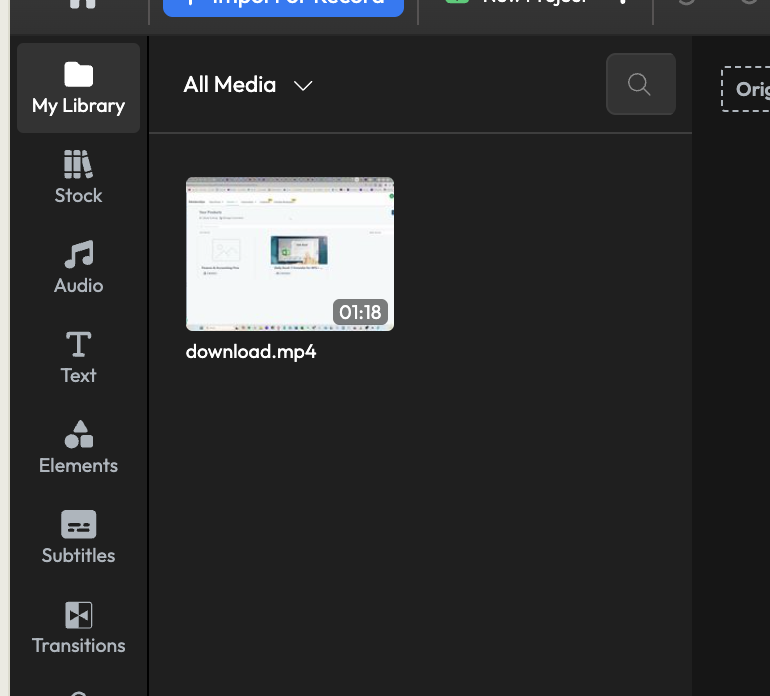
For the old videos, you need to re-upload, if you ned mp4 file. Already processed files with whatever settings you have selected earlier are processed.

@akbansa one more question - can i export currently uploaded captions? i have those saved somewhere - would be much faster if i could download captions from videos and re-upload everything
That’s not possible. If you used AI generated captions, do not worry, it will regenerate for new videos (if enabled)