I uploaded 5 new audio language tracks to my english language video and now it plays one of the new tracks by default (Italian) How can I switch it back to the original video audio?
Hey, @Nicolai
Can you share the asset ID for us to find this out? I would recommend using the chat option for sharing personal details like email ID, asset ID, etc.
1 Like
Sure. Thank you.
I’ve looked everywhere, but I can’t find any chat option in here, but this is the id: 691c583bd854cacb98e2eecb
I cant seem to delete or even see which audio track is which now either.
At this point, deletion is not possible. But let our technical team check the issue.
Just to confirm, are you embedding this video somewhere like on website or app?
Can you add try this - How I Got 40k New Visitors with a Lead Magnet? It basically let you choose the default audio language for the embeds. Here is the param, I added - audio_track_language=en
Let me know if it solves your current issue.
Thank you.
Yes, I am embedding it. I have to use the full embed HTML code as when I try to embed with a URL like that I get this error:
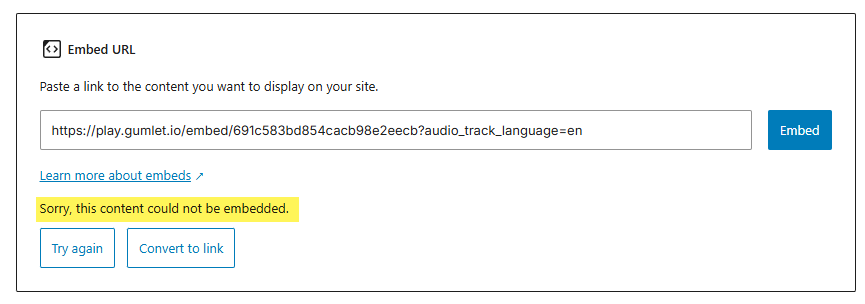
(I do have the Gumlet plugin installed and active by the way.)
So I have been using the full HTML in the post, like this:
	<div style="position:relative;aspect-ratio:16/9;">
      <iframe
            loading="lazy" title="Gumlet video player"
            src="https://play.gumlet.io/embed/691c583bd854cacb98e2eecb"
            style="border:none; position: absolute; top: 0; left: 0; height: 100%; width: 100%;"
          allow="accelerometer; gyroscope; autoplay; encrypted-media; picture-in-picture; fullscreen;">
          </iframe>
    </div>
I have tried adding audio_track_language=en in various ways but it didn’t change the language. Maybe I don’t know the proper syntax to add it into the full HTML embed. (
If it does work, it would be a shame to have to do that for every video I add.
If you have the Gumlet plugin installed, you have two ways.
You can either try the Gumlet widget:
Just enter this in asset ID: 691c583bd854cacb98e2eecb?audio_track_language=en
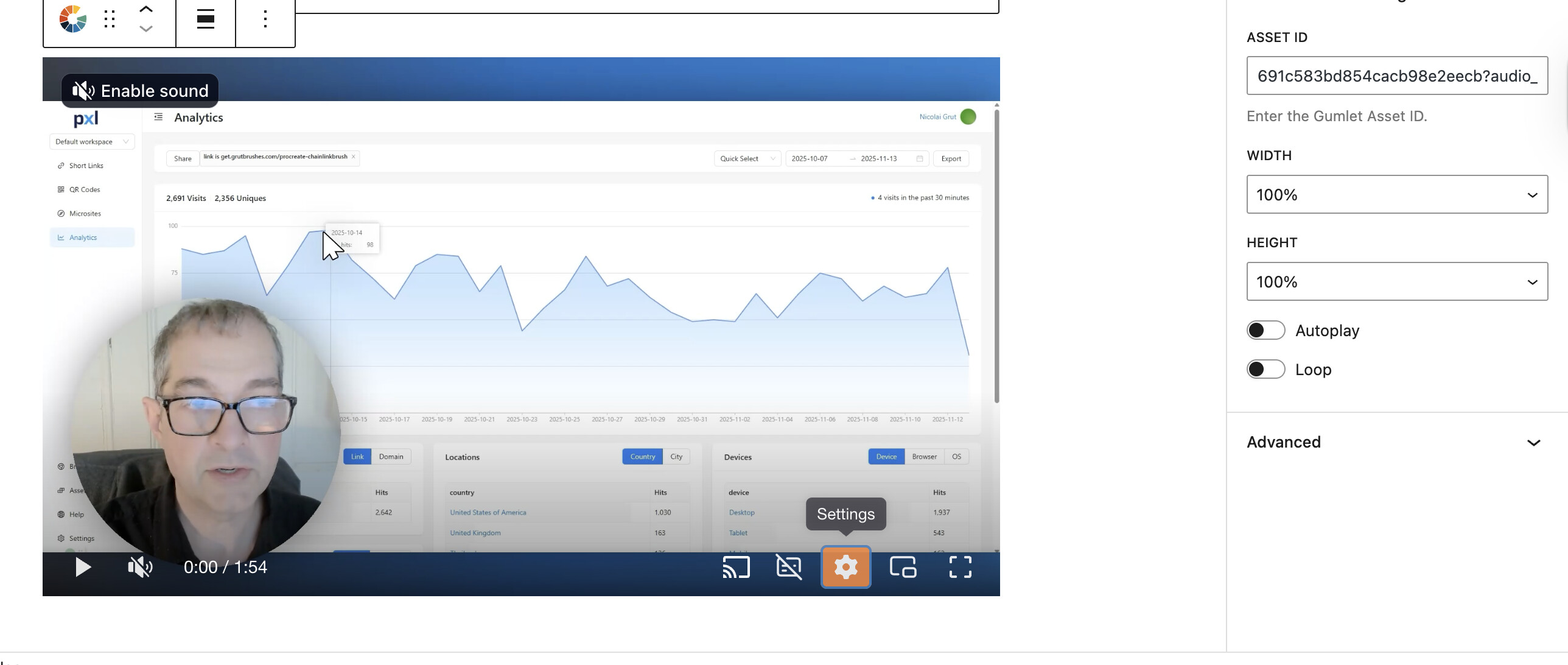
Or use the Gumlet embed code:
<div style="position:relative;aspect-ratio:16/9;">
      <iframe
            loading="lazy" title="Gumlet video player"
            src="https://play.gumlet.io/embed/691c583bd854cacb98e2eecb?audio_track_language=en"
            style="border:none; position: absolute; top: 0; left: 0; height: 100%; width: 100%;"
          allow="accelerometer; gyroscope; autoplay; encrypted-media; picture-in-picture; fullscreen;">
          </iframe>
    </div>
Our tech team is checking the issue and why it’s not picking the default language. Meanwhile, you can use this way of embedding.
1 Like
Thank you very much @akbansa That is working. That will solve it for this one.
Is there a similar way to set the default subtitle and subtitle status on or off?
For subtitle status on and off, you can do it from player settings directly.
And for default subtitle language, you can pass caption_language=fr
So a sample source URL will become:
https://play.gumlet.io/embed/691c583bd854cacb98e2eecb?audio_track_language=en&caption_language=en
1 Like
Thank you very much @akbansa
Unfortunately I spoke too soon.
The language setting via url parameter only works in the editor when I preview it.
When I publish the video and watch it on the website it switches to Italian. You can see me demo the problem here.
@Nicolai, thanks for the response.
I have updated the WordPress plugin, can you update the plugin once? Once you update, you will see options to add default language codes in the sidebar, now no need to pass it with the asset ID.
Test this out and let me know if you face any issues.
1 Like
Thank you again! Amazing work @akbansa  That is all working well now.
I’m off to upgrade my Gumlet account 
Edit: I spoke too soon. II went back to Italian when I published it even though I have English (en) written in the plugin.
1 Like
Nicolao, isn’t it working? I tested again on our sample website, it’s working fine.