Hey everyone 
A lot of you told us you check the same analytics every week, then copy the numbers into an email or Slack message for your team. Now Gumlet can do that for you.
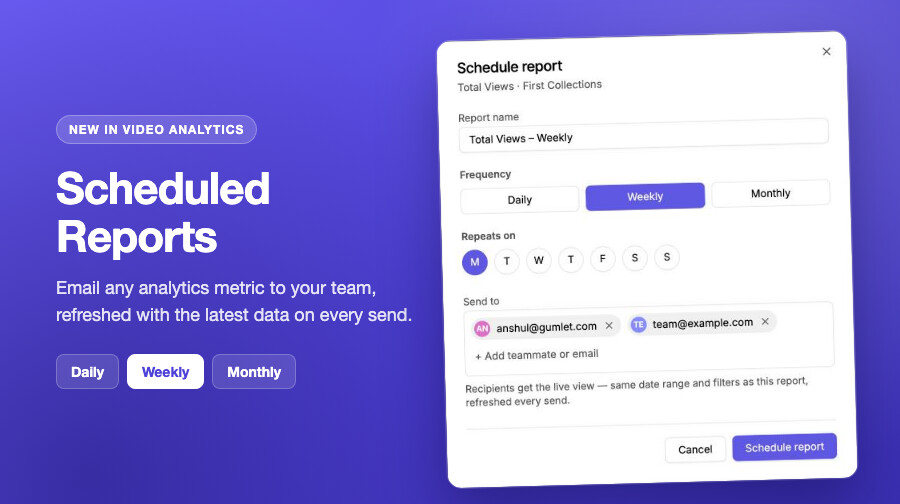
Scheduled Reports lets you email any Video Analytics metric to anyone, on a daily, weekly, or monthly schedule.
How it works
- Open any metric, like Total Views, and set the workspace, date range, and filters you care about.
- Click Schedule in the top-right corner.
- Name the report, choose how often it goes out, and add recipients (teammates or any email address).
That’s it. Each email has the latest data and keeps the same view you set up. You can manage every schedule from Video Analytics → Scheduled Reports, where you can pause one, edit it, or send a test to see what recipients will get.
Supported metrics: Total Views, Unique Viewers, Playing Time, Concurrent Viewers, Impressions, Form Submissions, CTA Clicks, Completion Rate.
 Try it now (Gumlet Dashboard)
 Full guide in our docs (Scheduled Reports)